Fix "typescript-eslint does not support TS 7.0" (Next.js and ESLint)
The exact fix for the error "typescript-eslint does not support TS 7.0": why it happens, the side-by-side TypeScript 6 and 7 setup that works, the Next.js build catch, and where typescript-eslint support stands.

On this page
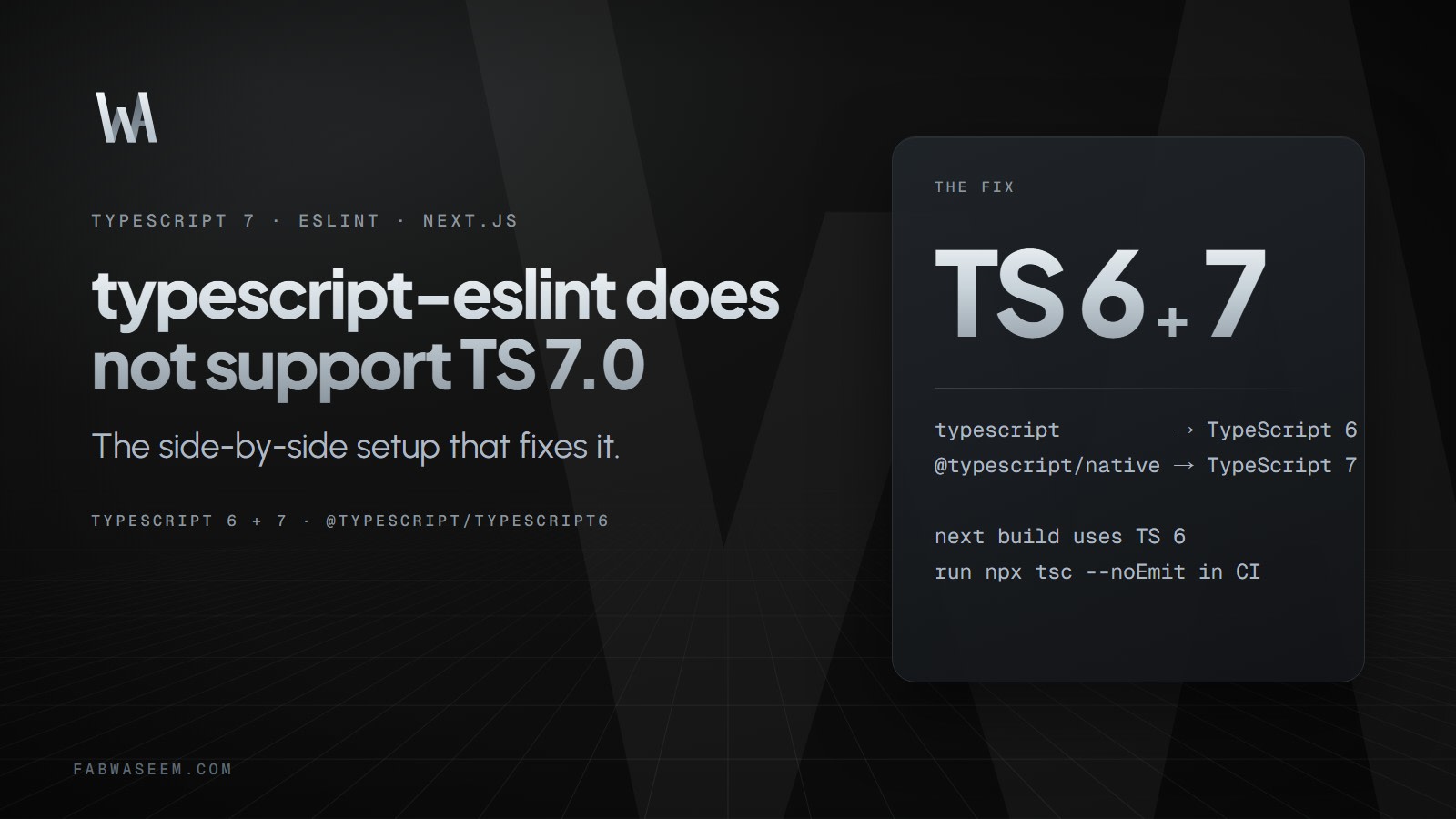
If npx eslint . or npm run lint suddenly fails with "typescript-eslint does not support TS 7.0" after you installed TypeScript 7, nothing is wrong with your code. TypeScript 7 is the native Go compiler, and it ships without the compiler API that typescript-eslint needs. This page gives the exact error, the fix, and the one catch for Next.js. I reproduced the error and the fix while writing my TypeScript 7 upgrade guide, so the output below is from a real run.
What is the exact error?#
This is what npx eslint . printed in a Next.js 16.4.2 app after npm i -D typescript@7.0.2:
typescript-eslint does not support TS 7.0.
Please see https://devblogs.microsoft.com/typescript/announcing-typescript-7-0/#running-side-by-side-with-typescript-6.0 to run typescript-eslint using the TS 6 API.
See also https://github.com/typescript-eslint/typescript-eslint/issues/10940 for tracking typescript-eslint's support for TS >=7.1

Oops! Something went wrong! :(
ESLint: 9.39.5
Error: typescript-eslint does not support TS 7.0.
Why does it happen?#
typescript-eslint builds type information from the TypeScript compiler API (ts.createProgram and friends). TypeScript 7.0 has no programmatic API, and the team planned one for 7.1. typescript-eslint 8.71.2, the latest when I tested on October 17, 2026, declares typescript >=4.8.4 <6.1.0 as a peer dependency, so it refuses to start when it finds version 7.
Anything that depends on typescript-eslint hits the same wall, including eslint-config-next. That is why npm run lint breaks in a Next.js app the moment it upgrades.
How do I fix it?#
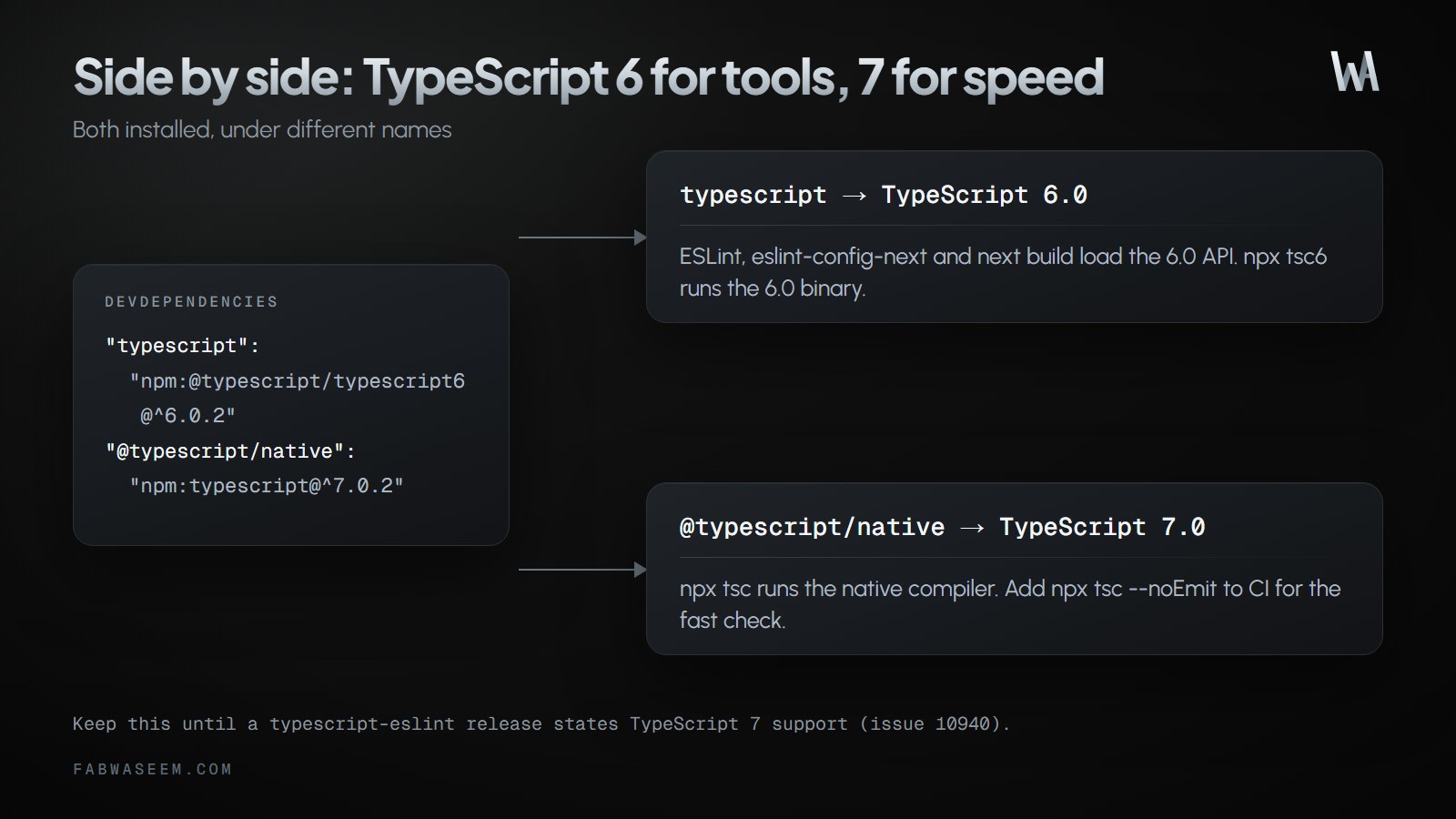
Install TypeScript 6 under the typescript name, so tools that import it get the 6.0 API, and install TypeScript 7 under an alias. This is the setup recommended in the TypeScript 7.0 announcement:
{
  "devDependencies": {
    "@typescript/native": "npm:typescript@^7.0.2",
    "typescript": "npm:@typescript/typescript6@^6.0.2"
  }
}
After npm install:
$ npx tsc -v
Version 7.0.2
$ npx tsc6 -v
Version 6.0.3
$ npx eslint .
(no output, exit 0)
npx tsc runs TypeScript 7, npx tsc6 runs TypeScript 6, and ESLint works again because it loads the 6.0 API.
What is the catch with Next.js?#
With this alias setup, next build type-checks with TypeScript 6, not 7. Next.js resolves the package named typescript, finds the compatibility package, and runs its tsc6. I proved it with a file that only compiles on TypeScript 7: npx tsc passed, but next build failed with the TypeScript 6 error.
So add the fast check as its own CI step:
npx tsc --noEmitand confirm it runs version 7 with npx tsc -v. If you want TypeScript 7 inside next build itself, the only way today is to install typescript@7 alone, which breaks type-aware ESLint again. Pick one of these two setups:
Can I avoid the error without the alias setup?#
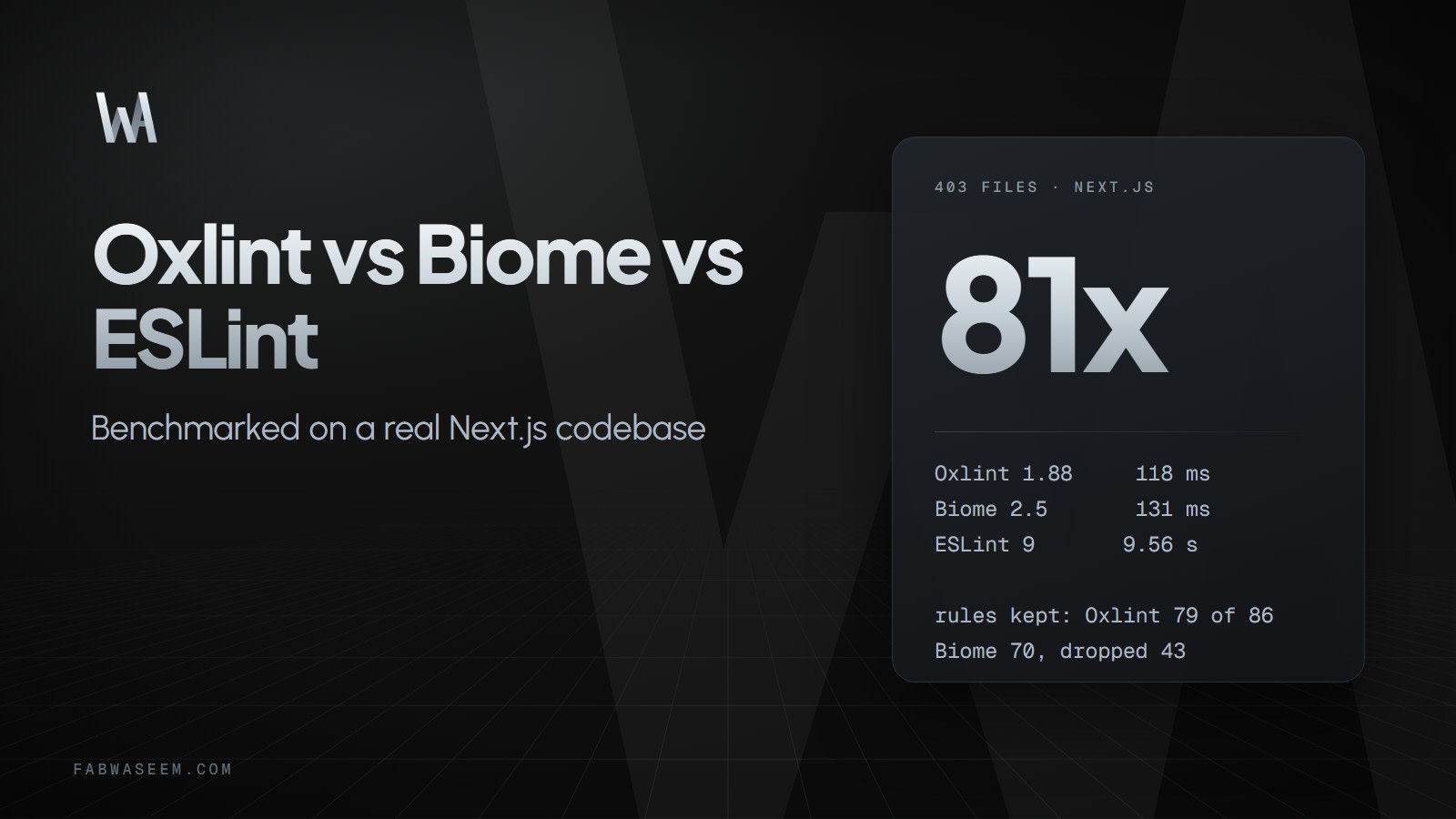
Yes, if you do not need type-aware rules. Linters that do not use the TypeScript compiler API are not affected, for example Biome or Oxlint without its type-aware mode. I compared them with ESLint in Oxlint vs Biome vs ESLint. Dropping type-aware rules loses checks such as floating-promise detection, so weigh that before switching.
When will typescript-eslint support TypeScript 7?#
Support is tracked in typescript-eslint issue 10940. The last activity I could read was from late September 2026. The issue had been labeled "blocked by external API" until September 11, when the label was removed, and a maintainer said the work was in progress, with an integration pull request waiting on internal review. The TypeScript team confirmed the JavaScript API will be synchronous and will not use WebAssembly.
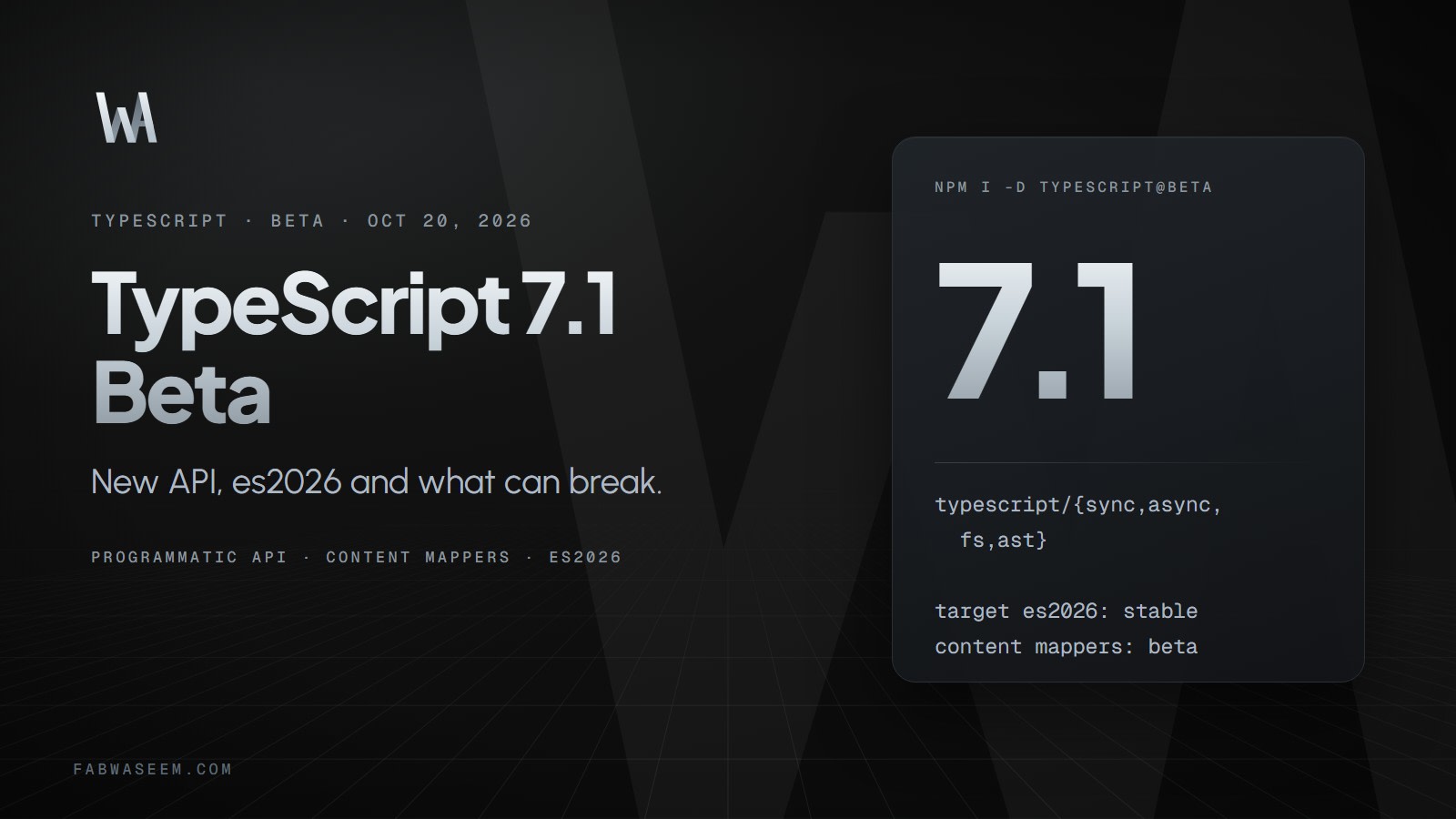
The API it needs is part of the TypeScript 7.1 beta. The beta announcement does not mention typescript-eslint, so do not assume support has landed. Check the issue and the typescript-eslint release notes, and remove the alias workaround only when a release states that it supports TypeScript 7.
Key takeaways#
- The error happens because TypeScript 7.0 has no compiler API and typescript-eslint requires one.
- Fix it with
"typescript": "npm:@typescript/typescript6@^6.0.2"plus"@typescript/native": "npm:typescript@^7.0.2". - With that setup
next builduses TypeScript 6, so runnpx tsc --noEmitin CI for TypeScript 7. - Skipping type-aware linting also avoids the error, at the cost of some rules.
- Watch typescript-eslint issue 10940 for real TypeScript 7 support.
Questions
Share this guide
Comments
No comments yet. Questions, corrections and your own results are all welcome.
Be kind and stay on topic. No name needed: leave it blank and you post under an anonymous name that stays yours. Links get
nofollow; spam is removed. Your email is never shown and is only used for reply notifications you ask for. Privacy